
Is Friend's Pass free for the guest?
Yes — the feature is designed so a second player can join without buying a full copy, while one player owns WheelMates on Steam.

WheelMates Friend's Pass: one Steam owner invites a free co-op seat, confirm the live invite UI, then pick Online or Split-screen. Verified Sep 2026.
Free second-player seat setup overview.
~6 min read
WheelMates Friend's Pass is Firevolt's free second-player seat: one Steam owner buys the game, and a friend can join without purchasing a full copy. This page is the setup decision tree for that seat—not a solo workaround. Verified September 2, 2026 · Steam App 3905450.
| Fact | Detail |
|---|---|
| Developer | Firevolt |
| Release | September 1, 2026 |
| List price (owner) | $19.99 |
| Guest cost | Free via Friend's Pass (owner must own the game) |
| Solo? | No — still strict 2-player |
| Modes after invite | Online co-op · Split-screen |
| Voice | None built-in — Discord or couch talk |
Exactly one paid ownership is enough for a Friend's Pass pair. The owner holds the Steam license for WheelMates; the guest uses the free Friend's Pass path to occupy the second seat. Two paid copies also work Online—Friend's Pass is the cheaper pattern when only one wallet should spend.
| Situation | Who buys | Guest path |
|---|---|---|
| One friend owns it | Owner | Friend's Pass invite |
| Neither owns it yet | Whoever hosts / plays more | Friend's Pass for the other |
| Both already own it | N/A | Normal Online invite / party |
| Same couch, one PC | Host PC owner | Split-screen second seat (no remote guest) |
Think of it as a free co-op seat tied to an owner's session, not a permanent gift of the full game to keep forever offline. Steam's exact entitlement wording can change—read what the store and client show when you redeem or accept.
List price sits at $19.99. Launch windows sometimes discount the owner copy; the guest seat remains the Friend's Pass pitch either way. Confirm the live store tag before you promise a friend "it is on sale tonight."
Ownership settled, the next friction is the invite UI itself—where guides go stale fastest.
Public materials confirm the feature: one purchase, second player free. Exact menu strings for Steam overlay, Remote Play-style paths, or in-game "invite friend" panels are build-dependent. Use the checklist as a verification loop, not as invented button copy.
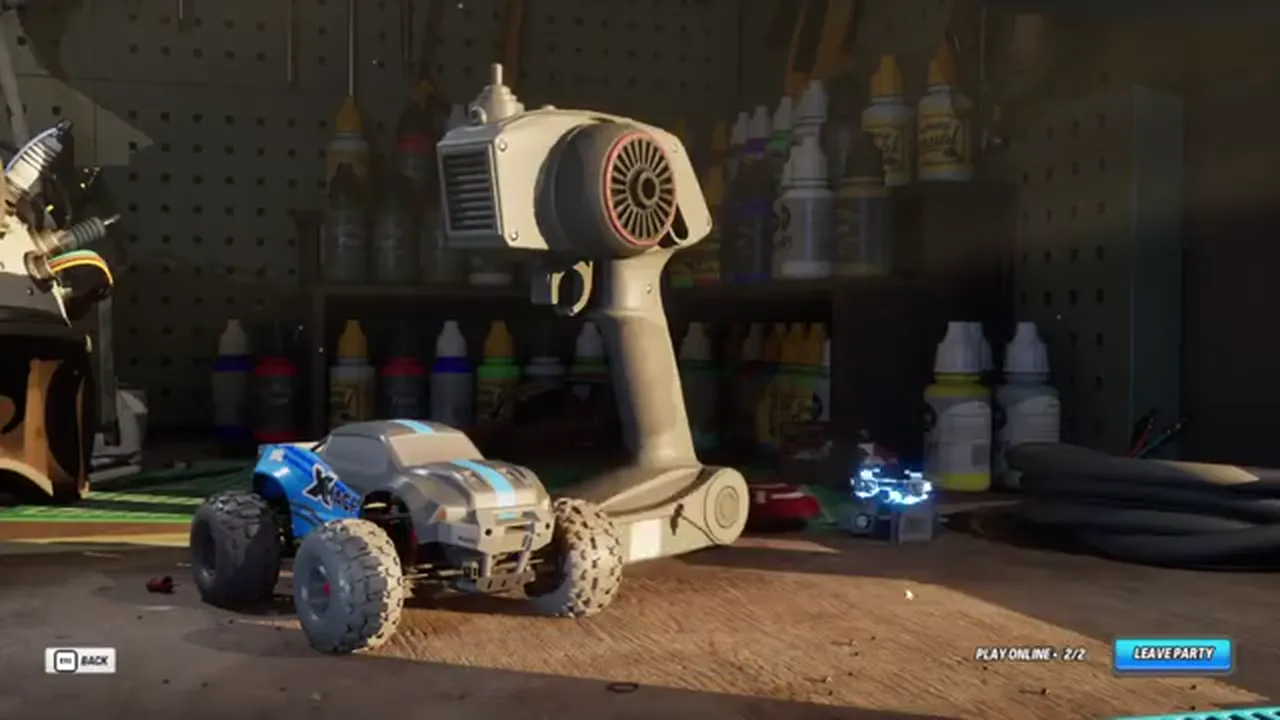
If a YouTube caption or Discord tip names a button you cannot find, stop guessing. Open the invite panel, read the options Steam renders, and pick the path that mentions Friend's Pass or a free friend join. Screenshot your own UI for your duo—do not paste unverified button names into a shared note as fact.
Keep the paid copy as the session host when Friend's Pass is in play. If the guest tries to host without ownership, the free seat usually never appears. Restart with the owner launching first when joins fail mysteriously.
After the seat lights up, you still choose how you play together—Online remote versus Split-screen on one machine.
Friend's Pass solves payment. It does not pick your camera layout. Remote friends need Online co-op; same-room pairs often prefer Split-screen so callouts stay on the couch and latency disappears.
| Mode | Needs Friend's Pass? | Comm default | Watch for |
|---|---|---|---|
| Online + Friend's Pass | Yes (if guest unpaid) | Discord | Invite desync, NAT, outdated build |
| Online + two owners | No | Discord | Same sync puzzles as Friend's Pass pairs |
| Split-screen | Usually N/A (local) | Couch talk | Screen real-estate, shared audio |
A Friend's Pass guest who expected Split-screen on their own PC still needs Online if they are remote. Split-screen means two players on one display attached to the host. Say the mode out loud before anyone installs anything.
No built-in voice chat. Online Friend's Pass pairs should open Discord (https://discord.com/invite/wheelmates) before the first simultaneous switch. Split-screen pairs can skip Discord, but still agree on countdown words.
When the invite itself fails, jump to the decision tree instead of reinstalling blindly.
Matched by build plan, shared topics, and guide progression — not random related links.
Work top to bottom. Most Friend's Pass failures are ownership, host order, or client freshness—not a broken Kitchen puzzle.
| Symptom | Check first | Then try |
|---|---|---|
| Guest never sees an invite | Owner launched first and is Online on Steam | Resend from the live invite UI; guest check Steam notifications |
| Invite arrives but join fails | Both on same game build / restart Steam | Owner relaunch as host; guest accept again |
| Guest asked to purchase | You selected a paid-copy invite path by mistake | Return to Friend's Pass / free-friend option if shown |
| Split-screen second seat missing | You are on one PC with two input devices | Confirm local multiplayer entry—not an Online-only lobby |
| Session drops after load | Network stability for Online | Retry; if persistent, note patch day and check Steam news |
Early post-launch reports mentioned login hiccups that hotfixes addressed with "restart Steam and verify the update." If Friend's Pass fails the same night as a patch, update first, then re-invite.
Cross-check the co-op guide for mode and camera issues, and keep Discord (https://discord.com/invite/wheelmates) handy for live peer tips. Do not invent console cross-play promises—PC Steam is the verified launch path here.
When both seats finally stick, use the after-join block so the free seat was not wasted on a five-minute crash-out.
A successful Friend's Pass join is only the lobby win. Spend the next twenty minutes proving the duo can drive and sync before you care about Garage secrets.
The owner should not disappear into Free cam while the guest is still binding controls. Give the free seat two quiet minutes. Friend's Pass only works as marketing if the guest's first impression is a working co-op loop.
Mode and timing depth: co-op guide. First-hour goals: beginner guide. Power revisits later: abilities.
FAQ below catches the purchase and solo misconceptions that still show up in search.
Yes — the feature is designed so a second player can join without buying a full copy, while one player owns WheelMates on Steam.
No. You still need two players. Friend's Pass only removes the second purchase, not the second seat.
Yes. After the free seat is available, pick Online or Split-screen like any other duo. See the co-op guide.
Confirm in the live Steam / in-game invite UI. Guides can lag behind client strings—trust what your build displays tonight.
There is no built-in voice chat. Use Discord (https://discord.com/invite/wheelmates) or talk on the couch.
Matched by build plan, shared topics, and guide progression — not random related links.